· 8 min read
Google review link, QR code, or NFC — which one when?
There are three ways to get customers to a Google review: the review link (via email, WhatsApp, or on the receipt), the printed QR code, and the NFC stand. All three lead to the same Google dialog — but they differ massively in friction, reach, and place of use. This guide shows what works when (and why the answer is usually "a combination").
The three paths at a glance
| Criterion | Review link | QR code | NFC |
|---|---|---|---|
| Where it works | Digital: email, WhatsApp, invoice, signature | Print & on-site: flyers, receipts, table cards, windows | On-site: counter, table, reception |
| Customer friction | One click — but only once the message is read | Open camera, aim, tap link (~20 sec) | Hold phone close, done (~10 sec) |
| Timing | Delayed — often hours after the visit | In the moment of the visit | In the moment of the visit |
| Device coverage | Any device with a browser | Any smartphone with a camera | iPhone XS and later, almost all Android devices |
| Changeability | Anytime (send a new link) | Only with dynamic QR — static print is fixed | Only with a dynamic redirect on the chip |
| Cost | Free | Printing costs | One-time hardware |
When the link is enough
The plain Google review link is ideal for digital customer relationships: online shops, trades with invoice emails, services with WhatsApp contact. Free and instantly usable — but it reaches customers with delay, when the impression has already faded. For walk-in customers it's too weak on its own.
When the QR code wins
The QR code for Google reviews shines wherever things get printed: menus, receipts, flyers, packaging, shop windows. It works with every smartphone and costs only the print. Its downside: opening the camera and aiming is real friction — and a statically printed code is bound to its target forever. So: always use a dynamic QR code.
When NFC is unbeatable
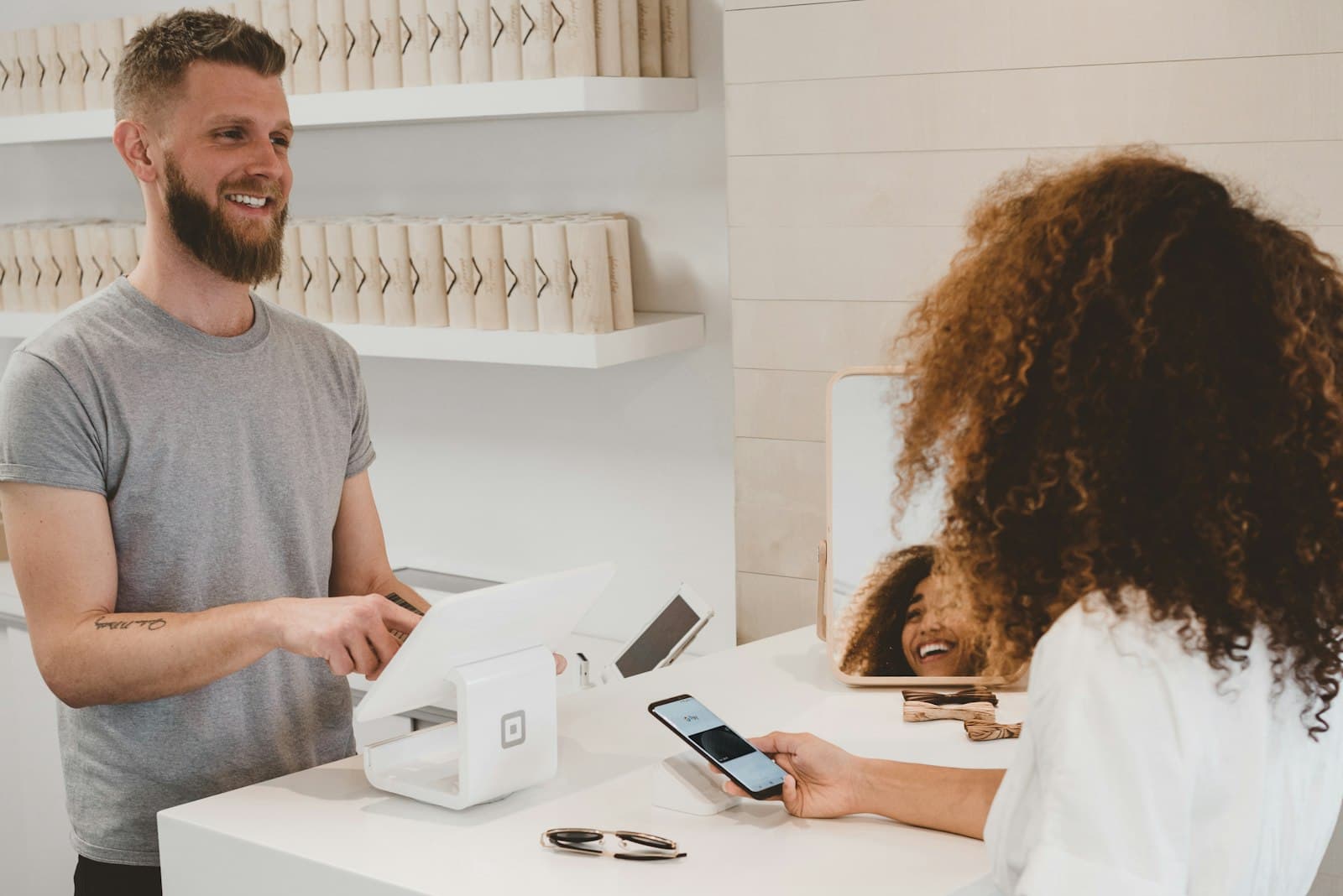
At the point of sale — counter, table, reception — NFC beats everything: hold the phone close, tap the notification, review. No camera, no aiming. That's exactly why our Tapenda stands combine NFC and QR on one sign: NFC for the fast majority, QR as fallback for older devices — with a dynamic redirect whose target you change anytime in your account.
Decision helper
Conclusion
Link, QR, and NFC are tools for different moments: the link for digital follow-up, QR for print, NFC for the on-site moment with the least friction. Businesses with a physical location do best with the combination. How to collect reviews systematically afterwards is covered in our hands-on guide for restaurants & retail.
FAQ
- Which converts better: QR code or NFC?
- On-site, NFC usually converts better because friction is lower: hold the phone close instead of opening the camera and aiming. The QR code remains essential as a fallback for older devices and for print material.
- Is the Google review link free?
- Yes. Google provides the direct review link for every business profile for free — you find it in your Google Business Profile under 'Get more reviews'.
- Can I change the target of a printed QR code?
- Only if it was created as a dynamic QR code pointing to a redirect. A statically generated code is permanently bound to its encoded URL — a change means reprinting.
- Do customers need an app for NFC?
- No. Modern smartphones (iPhone XS and later, almost all Android devices) read NFC tags natively: hold close, tap the notification — the review dialog opens in the browser.