· · 4 min read
NFC stands for Google reviews: how to double your review count
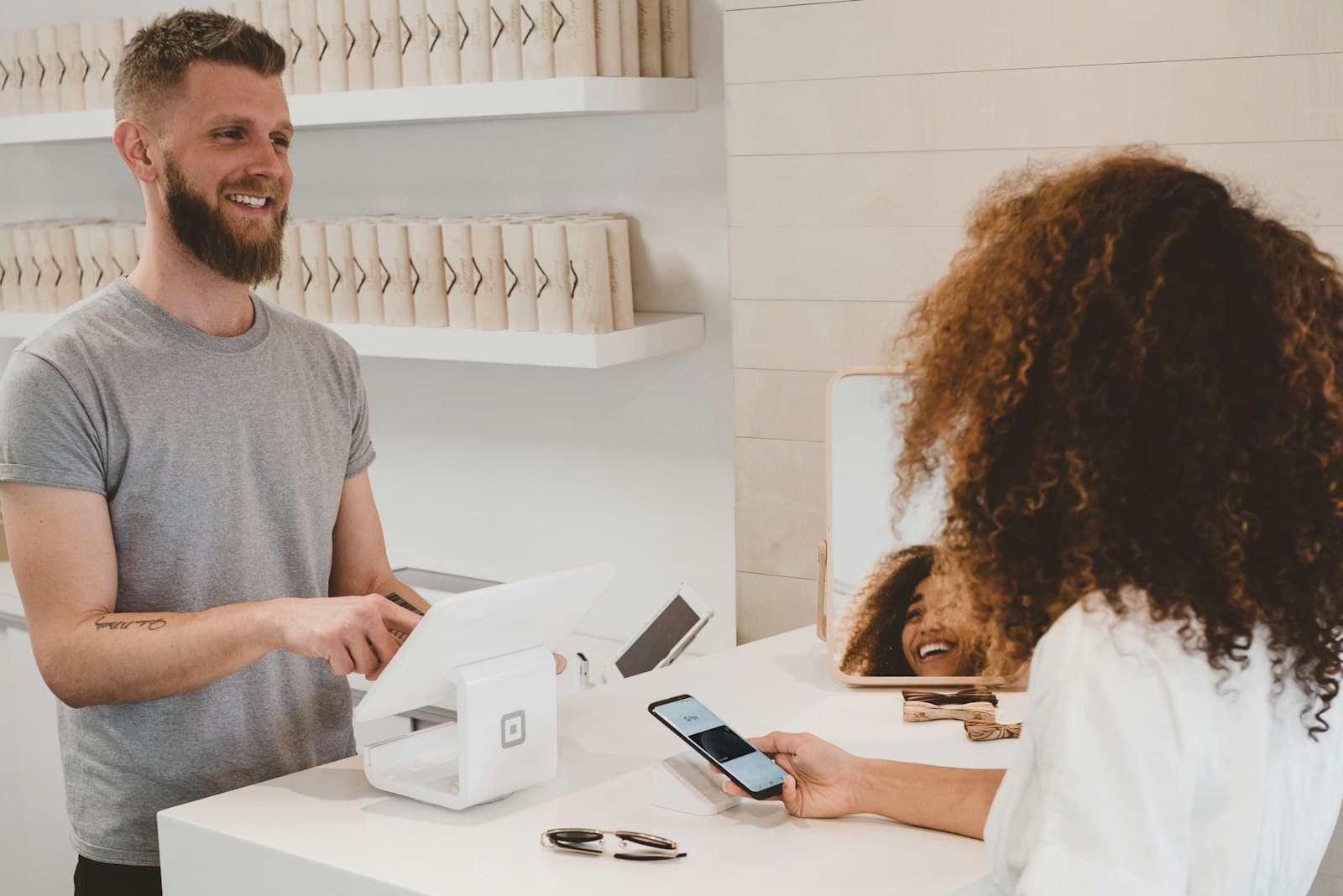
An NFC stand for Google reviews sits on your counter or table and makes reviewing as easy as contactless payment: the customer holds their smartphone to the stand — the Google review dialog opens instantly. No searching, no app, no camera. Here's how the technology works, what makes a good review stand, and why businesses often double their reviews with one.
How does an NFC review stand work?
Inside the stand is an NFC chip — the same technology as contactless payment. It stores your direct Google review link. Every modern smartphone (iPhone XS and later, virtually all Android devices) reads the chip automatically when held close: tap the notification, rate, done. For older devices, a good stand also carries a QR code as fallback.
Which devices read this automatically
“Modern smartphone” is too vague when it decides whether anything happens at the counter. Apple lists the models by name that read NFC tags in the background, with no app open: from the iPhone XR and XS onwards, plus everything newer. On the Android side NFC has been standard for years in all but the cheapest entry-level devices — though there it has to be switched on in settings.
| Device | Tap | What covers it instead |
|---|---|---|
| iPhone from XR/XS | automatic, a prompt appears | — |
| iPhone 7 to X | only via the Shortcuts app | QR code |
| Android with NFC enabled | automatic | — |
| Entry-level Android without NFC | no | QR code |
Which gives the actual rule: a stand without a QR code gives away exactly those guests whose device does not cooperate — and you cannot tell from the outside which ones those are.
Where NFC does not work
- Metal in between: a chip stuck to a metal surface or sitting under a metal case is not read. For stainless steel counters that means placing the stand, not gluing it down.
- Distance: NFC works across a few centimetres. “Holding it nearby” is not enough; it has to be a tap.
- Behind glass: the shop window from outside is QR territory; NFC does not reach through the pane to the device.
- Thick cases and power banks on the phone dampen the field. When a guest tries twice, that is usually why.
Why the stand converts so well
- Right moment: it stands where the impression is freshest — at checkout, at reception, on the table.
- Zero friction: 10 seconds from tap to submitted review. Every step removed measurably raises completion.
- Silent reminder: staff don't have to ask every time — the stand asks along. A short hint is enough.
- Always on: once placed, it collects every day — unlike a one-off email campaign.
What to look for when buying
- Changeable target link: the chip shouldn't be hard-coded. Our Tapenda stands point to a dynamic redirect — you change the target anytime in your account, no new hardware needed.
- NFC + QR combined: maximum device coverage.
- Scan statistics: you can only optimize placement if you see taps and scans.
- Sturdy base & smudge-proof print: daily restaurant life is unforgiving.
- No subscription trap: check whether the redirect has running costs.
Quick math
Setting up: how to start
1. Place the stand at checkout or on tables — where customers briefly wait. 2. Brief your team: one sentence is enough. 3. Check the scan statistics after two weeks and adjust placement. Combine it with asking in person — the best techniques are in 7 ways to get more Google reviews.
Conclusion
The NFC stand is the single most effective measure for more Google reviews in brick-and-mortar business: right place, right moment, zero friction. Combined with a properly set up review link, satisfied customers finally become visible trust. For teams and multiple locations, see our business volume discounts.
FAQ
- Which phones can read an NFC stand?
- Apple names the models with background NFC explicitly: iPhone XR and XS and anything newer. On Android NFC has been standard for years but has to be enabled in settings. For everything else the printed QR code is there.
- Do my guests need an app?
- No. The tap opens the destination in the browser, with no install and no sign-in. There is no app on your side either — you manage the destination in your account.
- Can I glue the stand to a metal counter?
- Better not: metal directly behind the chip prevents reading. Placing it works, gluing it to stainless steel does not. The QR code stays usable either way.
- What happens if I change my Google profile?
- If the chip points at an editable redirect, you repoint the destination in your account and keep the hardware. With other providers' hard-coded chips, the change means new stands.
- Can I see how often the stand was used?
- Yes, the number of opens per stand is in your account. That is enough to compare two locations or two positions in the shop — no personal data about the people scanning is collected there.
Sources
- Models that support NFC Tag Reader — Apple, iPhone User Guide, 2026-08-01
- Prohibited and restricted content: fake engagement — Google Maps contribution policies, 2026-08-01